The product
A calendar that shows what you actually posted
Month and week views of everything scheduled and everything already out, across every channel.
Included from the Free plan. See what each plan covers.
What it is
How a calendar that shows what you actually posted works
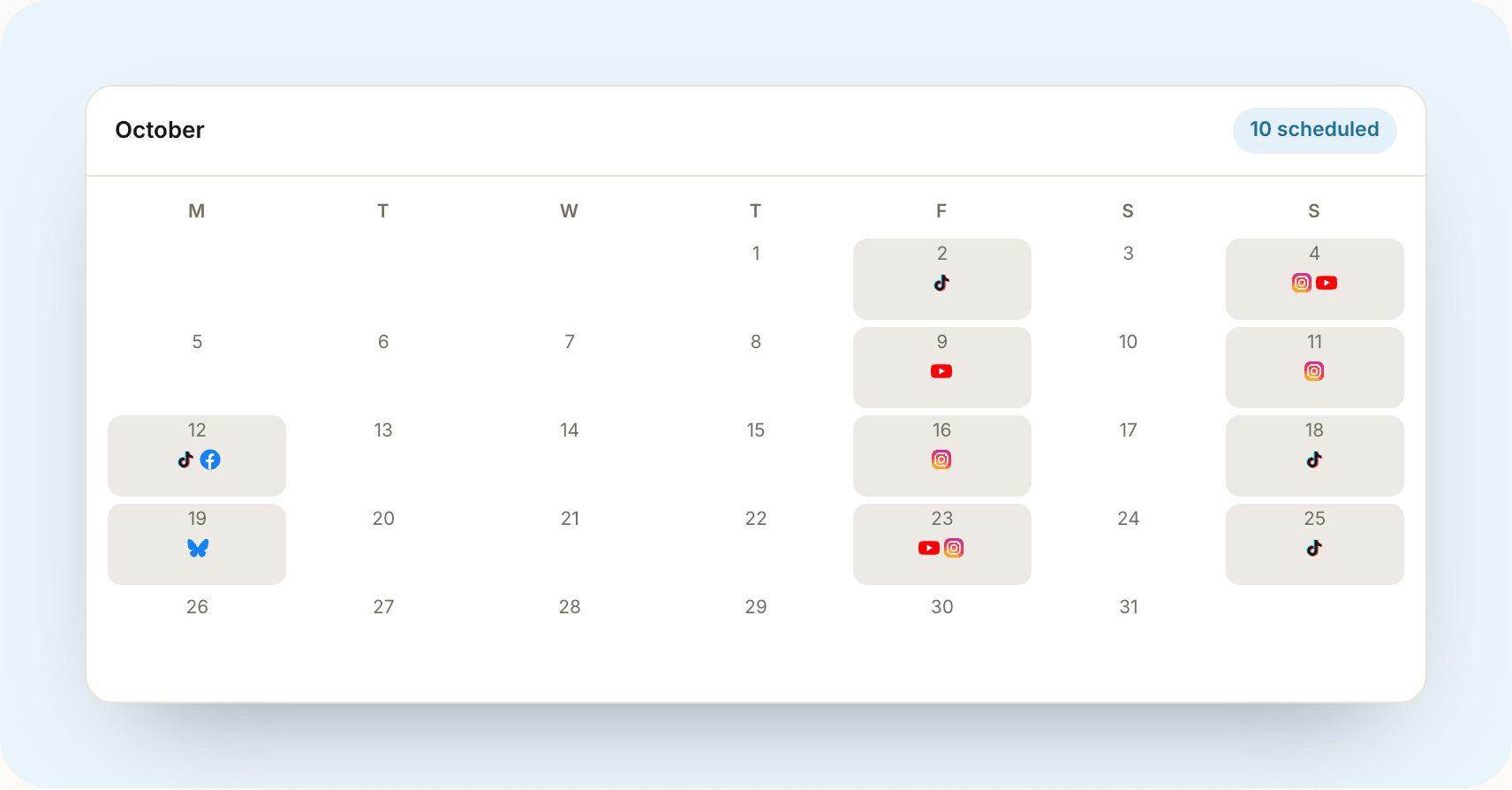
A month and week view of your posting, with scheduled posts and published history in the same grid. Click a day for everything on it; click a post for its caption, its channel and how it did.
It reads your real history, not just the things you queued inside Vantr. Connect a channel and its back catalogue appears in the calendar, so the view is your posting rather than your Vantr usage.
Filters by channel and by type, so you can answer 'what did I put on YouTube last month' without scrolling past everything else.
Why it matters
The problem underneath it
Most people cannot say how often they posted last month. They can guess, and the guess is usually generous. Seeing the gaps laid out is the thing that changes behaviour, more than any amount of advice about consistency.
It is also how you spot the pattern behind a bad month. Two weeks of nothing in the middle of a month explains a drop in views better than any algorithm theory.
Who it is for
And who it is not for
Anyone planning in batches
Film on Sunday, lay out the week, stop thinking about it.
Creators with a sponsor deadline
Deliverable due dates show up next to the posts, so a deadline is visible where you plan rather than in a different tab.
People who feel behind
Usually they are not, and a filled-in month is more reassuring than a feeling.
Alternatives
What people use instead
Some of these are genuinely the right answer. It depends on whether your posting is attached to money yet.
Google Calendar or Notion
Flexible and free, and many people run a real business on one. Neither knows whether the post actually went out, so the calendar and reality drift apart.
A spreadsheet
Better than nothing and easy to share. It cannot show you what you published, only what you intended to.
The scheduling queue in a posting tool
Fine for what is coming. Most of them show the future and forget the past, which is the half that tells you anything.
Questions
The things people ask first
Does it show posts I made before I joined Vantr?
Yes. Connecting a channel imports its existing posts, so the calendar has history from day one rather than starting empty.
Can I reschedule by dragging?
Scheduled posts can be moved to a new date and time. Posts that have already gone out cannot, for the obvious reason.
Does it work on a phone?
Yes, as an agenda view rather than a squeezed month grid, because a seven-column calendar at phone width is unreadable.
Related guides
Worth reading next
How to plan a month of content in an afternoon
Stop deciding what to post every single day. A repeatable system to plan, batch, and schedule a whole month in one focused session.
Read itHow often should you post on social media?
The real answer to posting frequency, by platform, and why consistency beats volume every time. Plus how to keep a schedule without burning out.
Read itContent pillars explained: never run out of ideas again
If you're staring at a blank screen every day, you don't have an idea problem. You have a structure problem. Content pillars fix it.
Read itSee it against your own channels
Start free, no card. Paid plans come with a 7-day free trial.